Basic TruckingBASIC TRUCKINGLicense • Enforcement • Logbook
Df
BASIC TRUCKING DRIVER SYSTEM

Driver License System

Your Basic Trucking license grows with your driving record. Complete jobs, build clean runs, protect your safety standing, and move through the license classes across all three Basic Trucking servers.

AVAILABLE ON 3 BASIC TRUCKING SERVERS
Basic TruckingBasic Trucking | Just TrucksBasic Trucking | Map | FLX | Jon | Hate
Basic Trucking in-game driver license command center
The in-game Driver System shows the same license record you build across the Basic Trucking servers.
BASIC TRUCKING CDLCONNECTED DRIVER LICENSE
CLASSD → C → B → A → A+
SAFETY STANDINGVALID • WARNING • PROBATION • SUSPENDED
SAFETY POINTS0–12 POINT SCALE
RECORD BUILT BYJOBS • CLEAN RUNS • DRIVER HISTORY
CONNECTED TO ENFORCEMENTCONNECTED TO LOGBOOKCONNECTED TO DOT / INSURANCE
WHAT IT REALLY LOOKS LIKE

A real driver credential system — not just a badge.

The Basic Trucking Driver License page mirrors the same type of information drivers see in the Driver System: class level, safety standing, points, status, progression, and how the record connects to enforcement, logbook, DOT, and insurance.

LICENSE CLASSYour class shows your progression from new driver to top-tier driver.
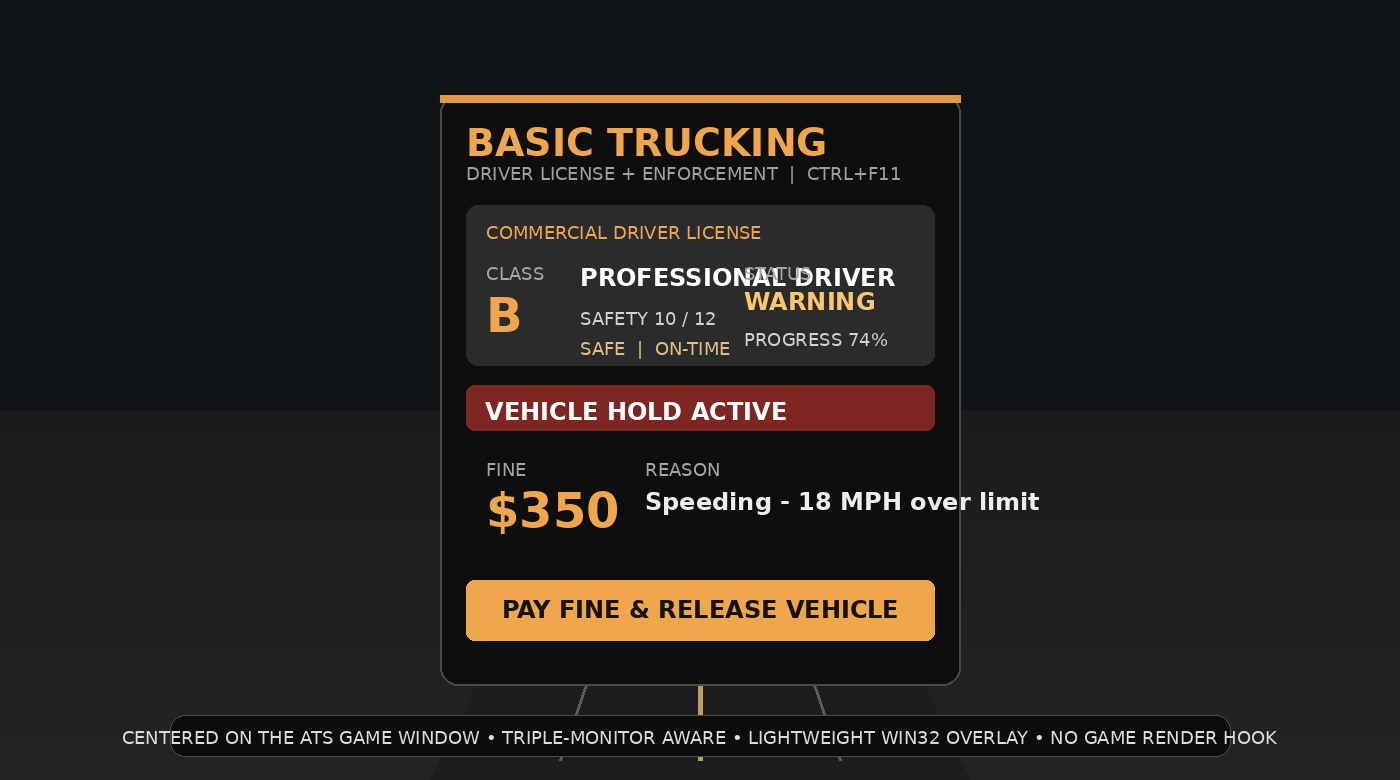
SAFETY STATUSYour standing shows whether you are Valid, Warning, Probation, Suspended, or pushed toward Out of Service conditions.
PROGRESSIONComplete jobs and build clean runs to unlock higher classes and protect your record.
CONNECTED DRIVER RECORDYour license is part of one connected system shared with enforcement, logbook, DOT, and insurance.
CLASS PROGRESSION

Move up through the Basic Trucking license classes.

Every driver starts at Class D and works upward by completing more jobs and stacking clean runs.

D

Class D

New Driver

Your starting class when you first join the Driver System.

C

Class C

Qualified Driver

5 completed jobs and 2 clean runs.
B

Class B

Professional Driver

20 completed jobs and 8 clean runs.
A

Class A

Elite Commercial Driver

50 completed jobs and 20 clean runs.
A+

Class A+

Master Driver

100 completed jobs and 50 clean runs.

How you earn it

Every completed job helps build your Basic Trucking record. Clean runs matter too, because progression is not just time-based — it reflects the quality of the driving record you are building.

Safety points

Your license has up to 12 safety points. Recent violation episodes from the last 30 days reduce that score. Major incidents such as crashes or wrong-way events cost more than lighter violations.

What bad driving does

10–12 points is Valid, 7–9 is Warning, 4–6 is Probation, and 0–3 is Suspended. These standings are calculated automatically from the recent driver record.

How you recover

After your most recent violation, each completed clean job can recover 2 safety points, up to the 12-point maximum, so drivers can actively work their way back to a stronger record.

Out of Service

Serious enforcement or compliance issues can place the driver Out of Service. When that happens, the vehicle is halted until all active fines are paid and the enforcement condition is cleared.

One connected record

Your license is part of one connected Basic Trucking driver record. That same identity follows you through enforcement, logbook, DOT, insurance, and overall driver profile history.
Basic Trucking driver profile and connected systems
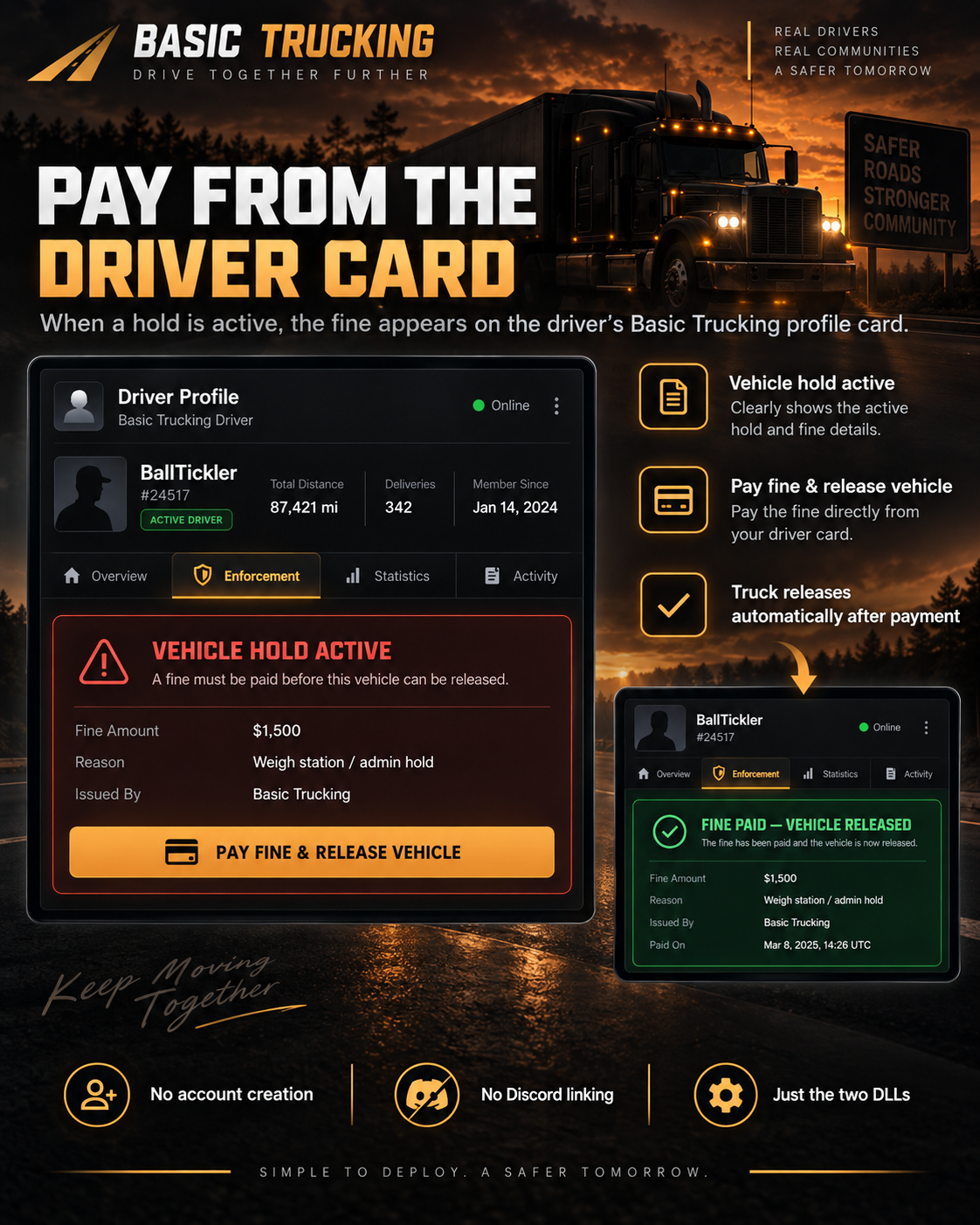
The driver profile page brings your license, current load, logbook, DOT, insurance, fines, and job history together in one place.

Connected to your driver profile

Your license does not stand alone. It feeds directly into the Driver Board and the full driver profile, so a driver can see their class, safety standing, current load, tickets, fines, logbook activity, and related systems in one connected record.
Driver Board visibilityYour license class and standing appear on the Driver Board so the community can quickly understand each driver’s current status.
Profile detailThe full driver page expands that record with tickets, fines, current load, completed jobs, and operational history.
Easy to understandThe goal is to make the system look and feel like a real driver credential, not just a hidden background stat.
Basic Trucking driver operations card
Your driver record ties License, Insurance, DOT/Logbook and Enforcement together under one Basic Trucking driver identity.

Insurance system

Each driver receives a Basic Trucking insurance policy record. When the system detects a qualifying collision, it automatically creates an unfiled collision incident. The driver can file a claim from the driver system; filing the claim adds the configured deductible to the insurance balance.
Automatic collision incidentsSupported collisions create the incident automatically; you do not have to manually create it.
Risk score and ratingThe insurance score starts high and can be reduced by recent claims, unfiled incidents, an unpaid insurance balance, or an expired policy.
Policy statusPolicy length, premium and deductible are system settings. Expired insurance becomes a DOT/compliance finding until renewed.
Basic Trucking connected driver systems illustration

DOT system

The DOT side is also system-driven. Drivers complete required readiness items such as previous-log certification, pre-trip inspection and DOT check-in. At supported weigh and inspection events the system can automatically select an inspection and scan vehicle condition, DVIR defects, logbook compliance, credentials and citations.

Trip readinessA trip can be blocked until required log certification, pre-trip, DOT check-in and active-fine requirements are satisfied.
Automatic scale inspectionThe system uses the configured inspection chance and cooldown; it is not dependent on an admin manually selecting a driver.
Out of serviceSerious configured DOT findings can trigger an Out of Service result, citation and vehicle hold until the issue is cleared.
ONE DOWNLOAD

License, Enforcement and Logbook use the same package.

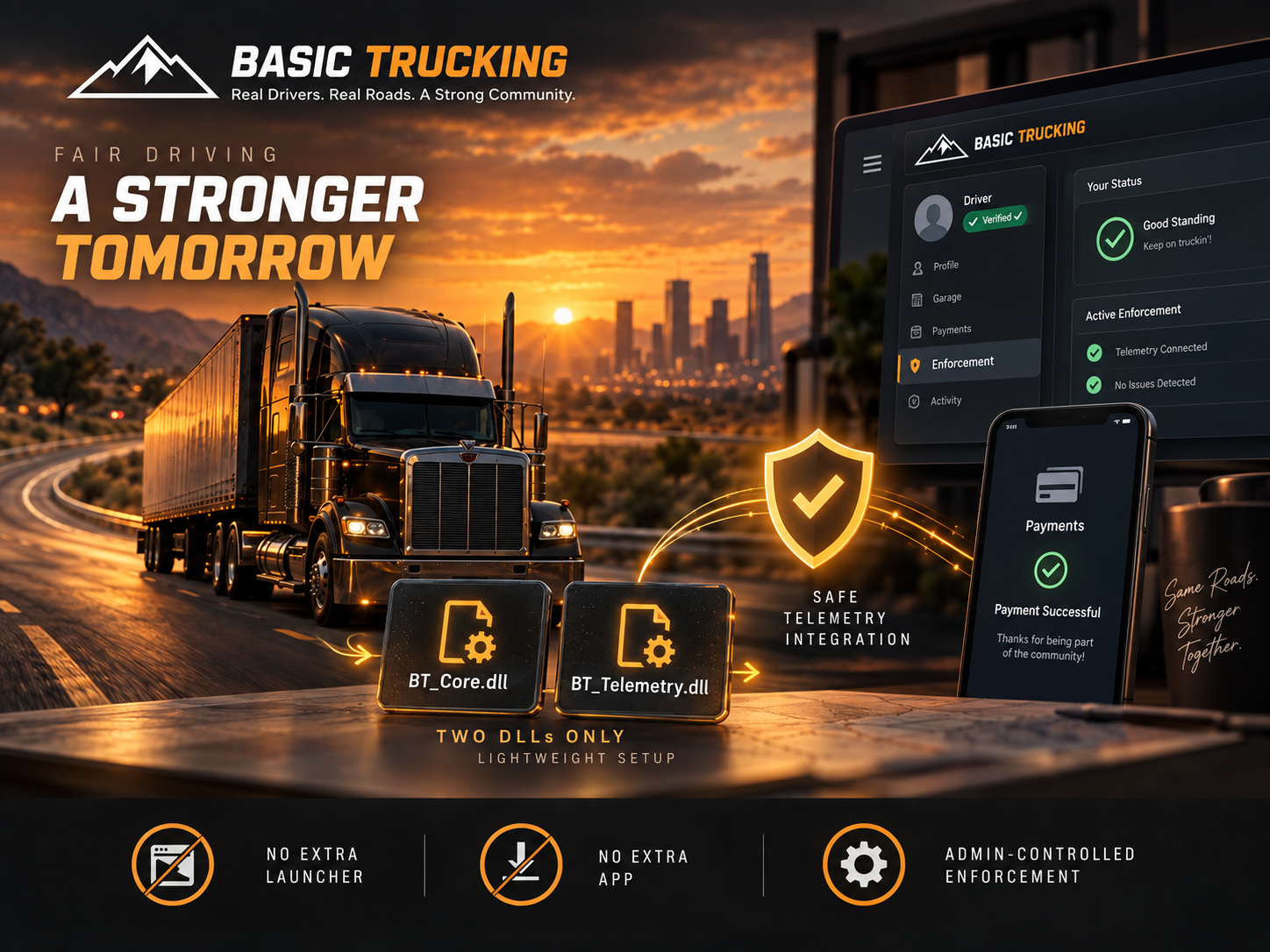
Download one Basic Trucking Driver Systems package. Put the DLLs in American Truck Simulator\bin\win_x64\plugins and put BasicTruckingEnforcement.scs in Documents\American Truck Simulator\mod.

INSTALL GUIDE
DRIVER BOARDCredential and system-status overviewDRIVER LICENSEClass, safety points and standingENFORCEMENTAutomatic enforcement • Out of ServiceLOGBOOKCompany, trips and operations recordACHIEVEMENTSPatch requirements and recognition